

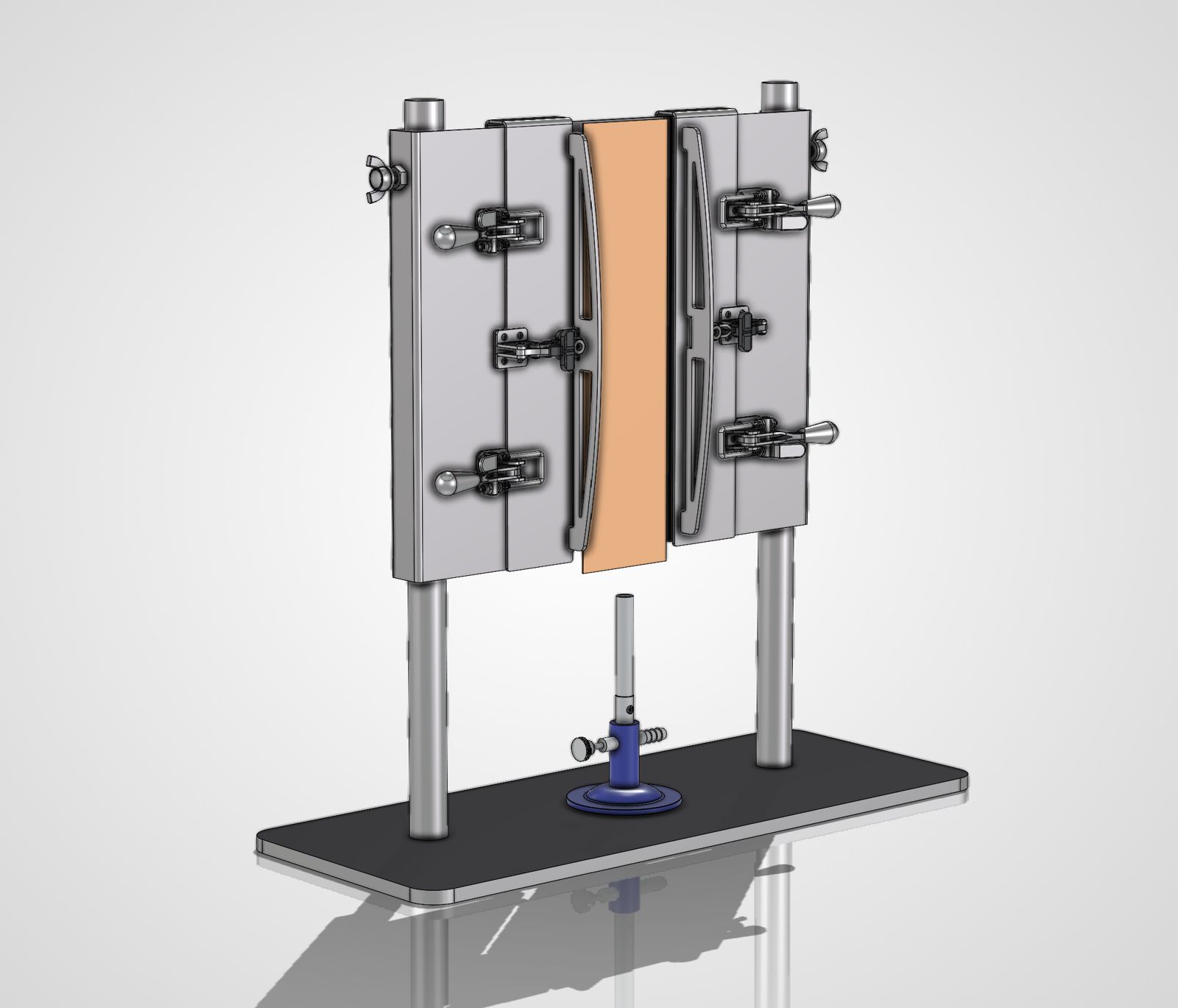
What is a STEP file, and how do you view one?
The file format that gets your part made right, and how to open it without CAD software.

Noah Donsig, Founder & CEO
Ask any machine shop or fabricator what they want with your quote request and the answer is usually the same: “Send us a STEP file.” Here is what that is, why it matters, and how to look at one when you don’t have CAD software.
What is a STEP file?
STEP (Standard for the Exchange of Product Data, ISO 10303) is the universal format for 3D CAD models. A STEP file, ending in .step or .stp, holds the exact solid geometry of a part or assembly: every surface, hole and edge, at full precision. Almost every CAD program can save one, whether it’s SolidWorks, Fusion, Inventor, Creo, CATIA or Onshape, and almost every manufacturer can open one.
Why manufacturers ask for STEP files
- Exact geometry. Unlike a mesh file (STL) or a picture of a drawing, a STEP file keeps true curves and dimensions, so programmers can cut, bend and machine straight from the model.
- Faster, more accurate quotes. The shop can measure volume, features and bends directly instead of rebuilding your part from a PDF.
- Works with any CAD system. You don’t need to use the same software as the shop.
The best quote request has both: a STEP file for the geometry, and a PDF drawing for tolerances, finishes and notes. Our guide to starting a project covers what else to send.
How to open a STEP file without CAD software
You don’t need a CAD licence to look at a STEP file. Free online STEP viewers open the file in your web browser, so you can rotate the model and check it before you send it. That is handy for buyers and project managers who need to confirm they have the right revision, or show a part to someone in a meeting.
Before you upload a file to a free viewer, check where it goes. Your models are your intellectual property, and some free tools keep or share what you upload.
View your STEP files in ManuConnect
ManuConnect, our customer portal, has a built-in 3D viewer. Upload a STEP file with your quote request and you can open and rotate the model right in your browser, next to its drawings, revisions, quotes and orders. Your files stay in ManuConnect, shared only with the people making your parts.
STEP, STP, IGES, STL: which should I send?
- STEP / STP: the first choice for machining, sheet metal and fabrication.
- IGES / IGS: an older exchange format; fine if it’s all you have.
- STL: a triangle mesh, made for 3D printing. Good for prints, not for machining.
- DWG / DXF: 2D drawings and flat patterns, useful for laser-cut sheet parts.
Have a STEP file ready? Send it to us for a quote. We accept STEP, IGES, STL, DWG, DXF, PDF, images and ZIP files up to 95 MB together.
Have a part in mind?
Send us your drawings, models or a sketch. We will come back with a plan and a quote. Or call 519-218-9525.
Send us your drawing